Your cartridges, discs and arcade games in one beautiful library: art scraped for you, emulators one press away, and your saves and records wherever you play.
Runs on any Android device, made mainly for gaming handhelds. Controller first: every screen works with the D-pad and A / B, with a button hint bar always at the bottom. 720p or 1080p, 16:9, 4:3, 3:2 or 1:1, everything lines up.
NES, SNES, GB, GBA, NDS, 3DS, PS1, PS2, PSP, PS Vita, Switch, arcade, PC, and Android games too. Tea scans your ROM folders and gives each console its own tab.
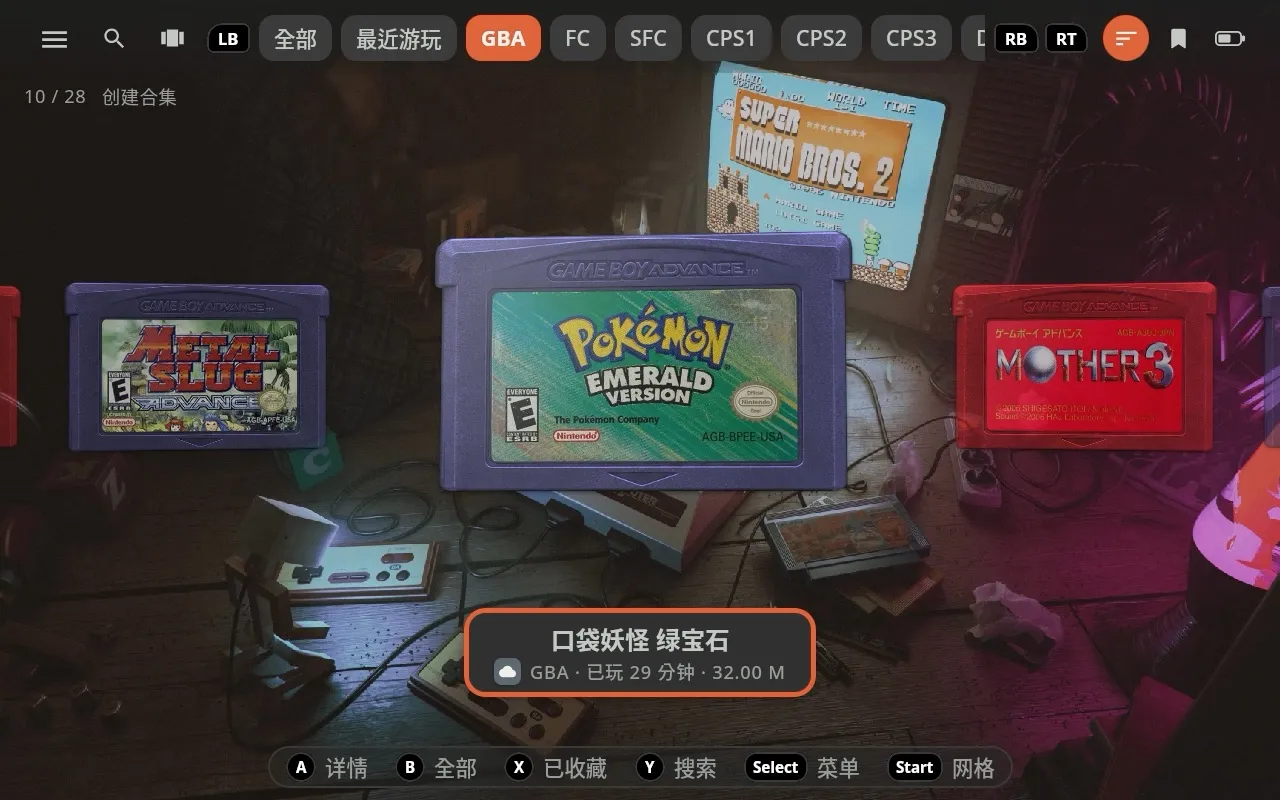
Every game looks like the real thing: GB and GBA cartridges, PS2 discs, arcade cabinets. Labels and covers are scraped for you, or pick your own.
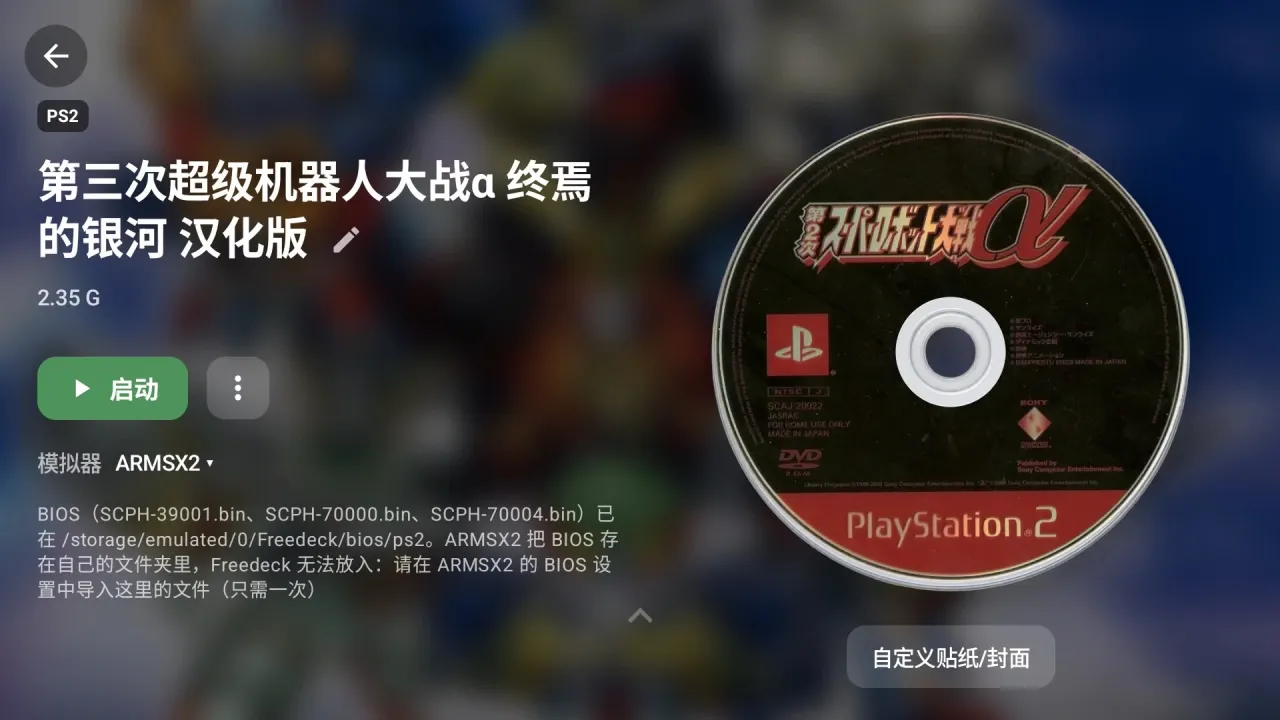
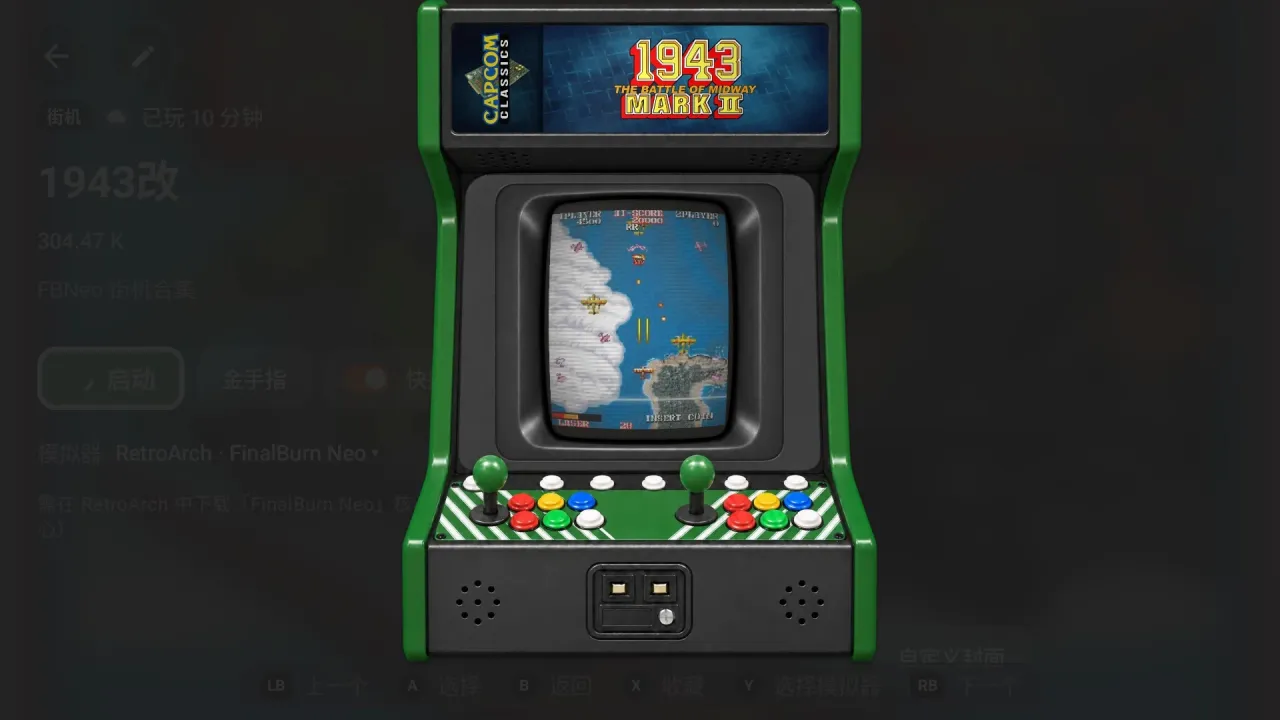
Pick the emulator and RetroArch core per console or per game. Playing a Nintendo game? Use the layout with A on the right, no digging through RetroArch's settings.
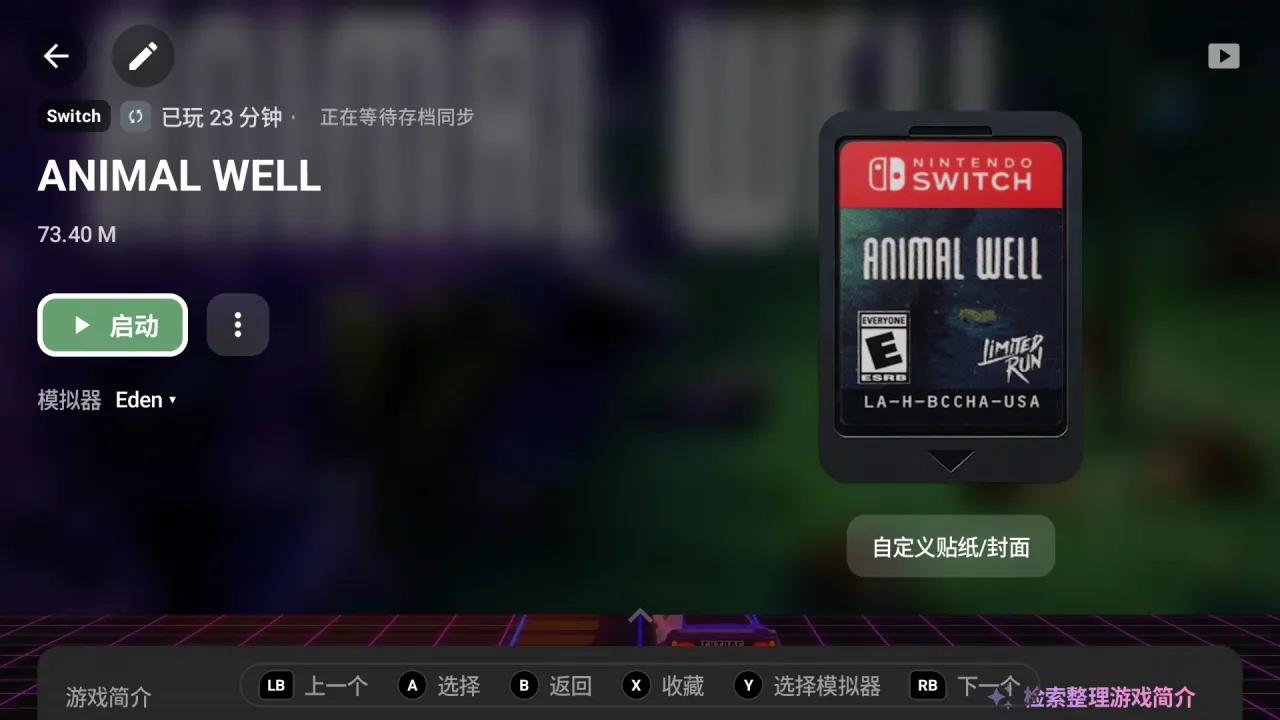
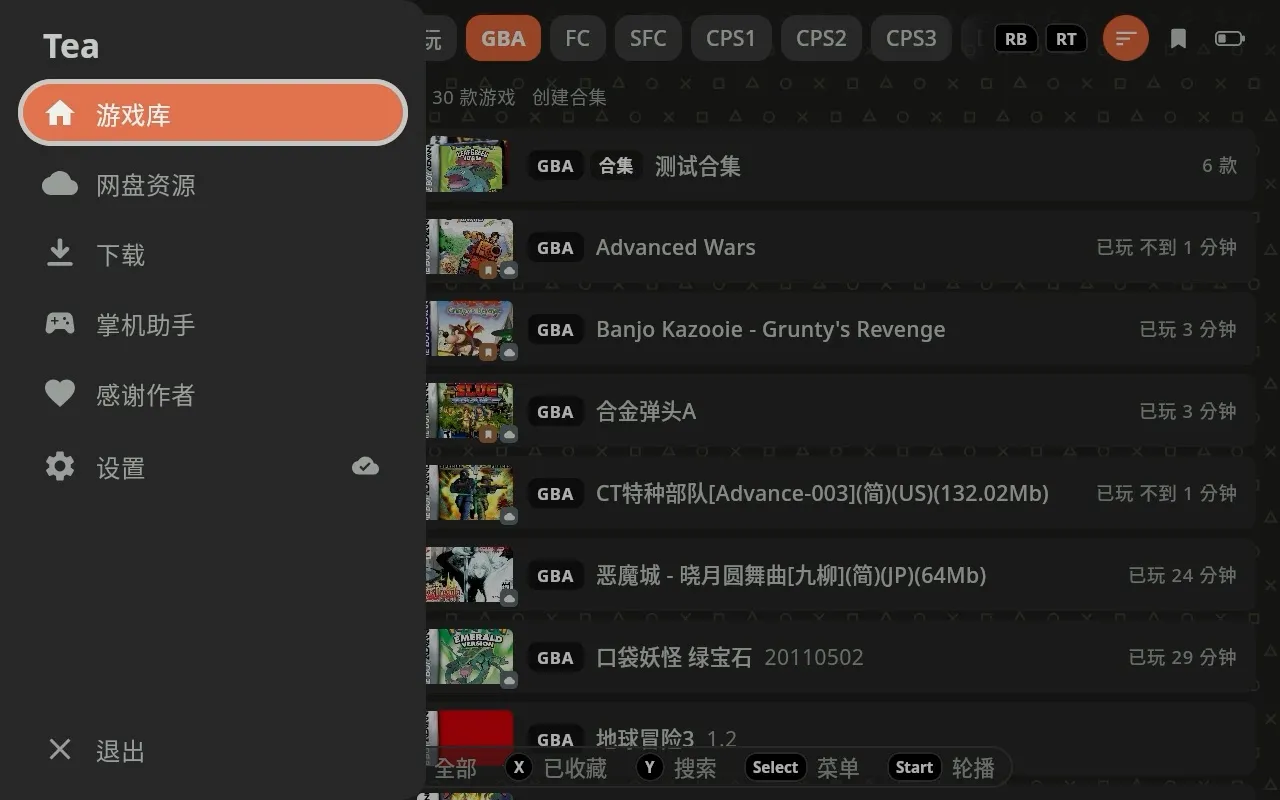
Log in to your own 天翼云盘, 百度网盘 or 夸克网盘, or connect your home NAS, and download files right on the handheld: multi-connection, resumable, unpacked automatically into the right console's folder.
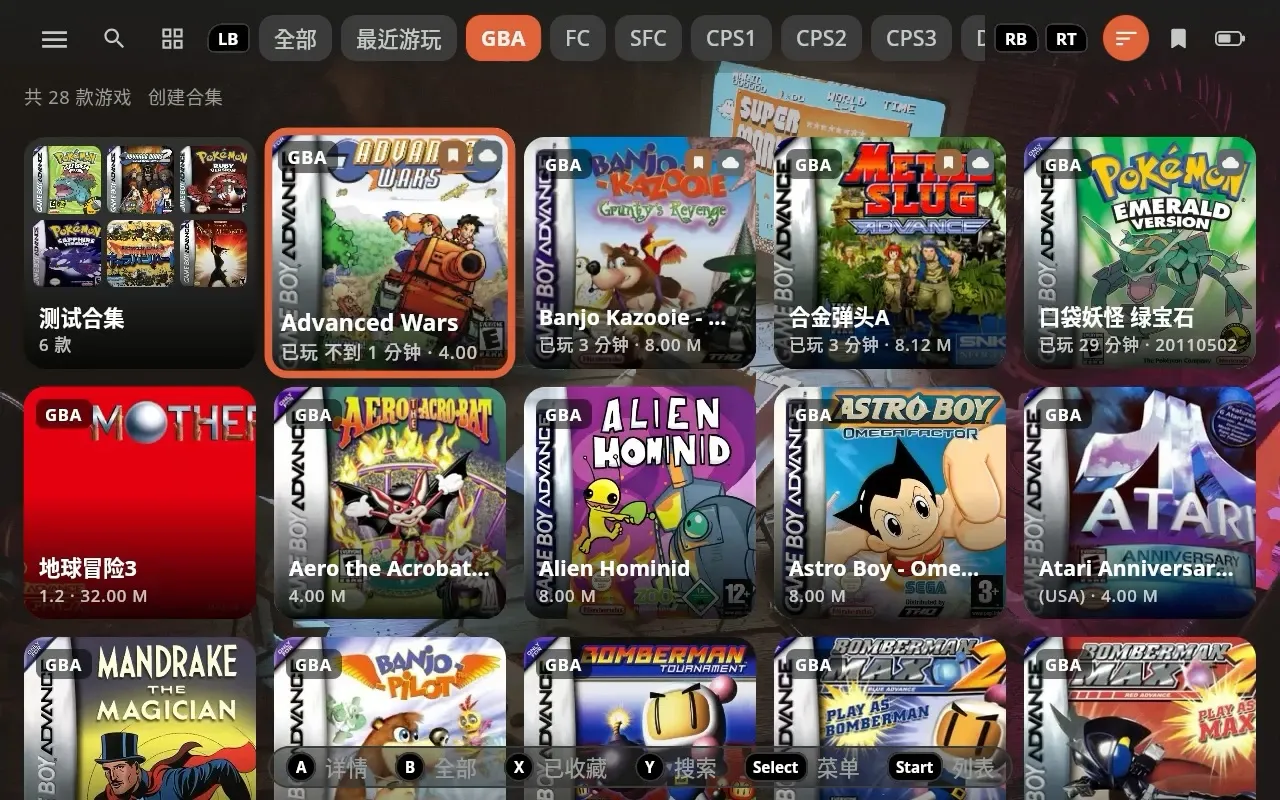
Pick a cloud drive or NAS to sync with: play time, completion records, bookmarks, scrape results, labels, and saves from RetroArch and other emulators follow you between handhelds.
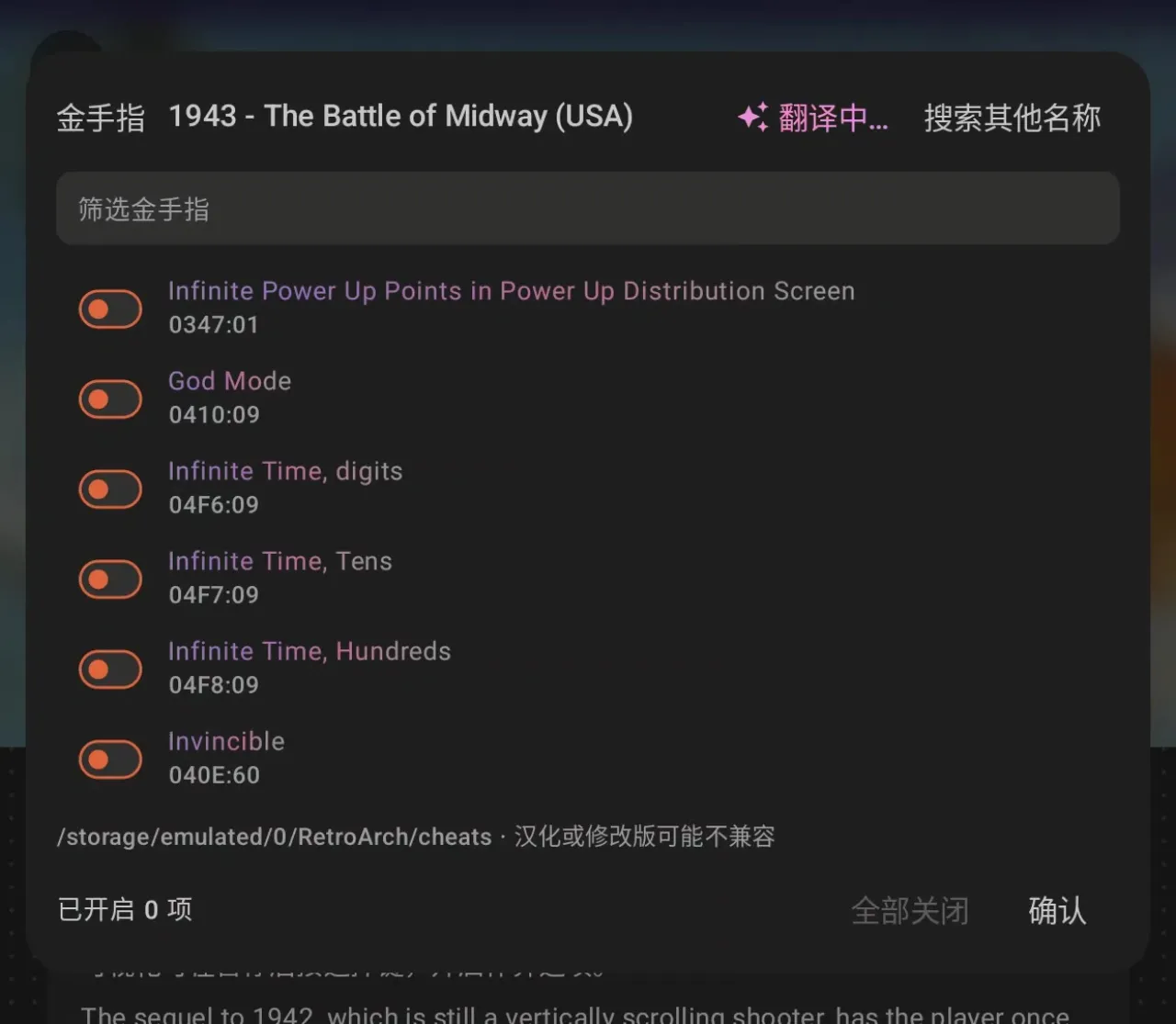
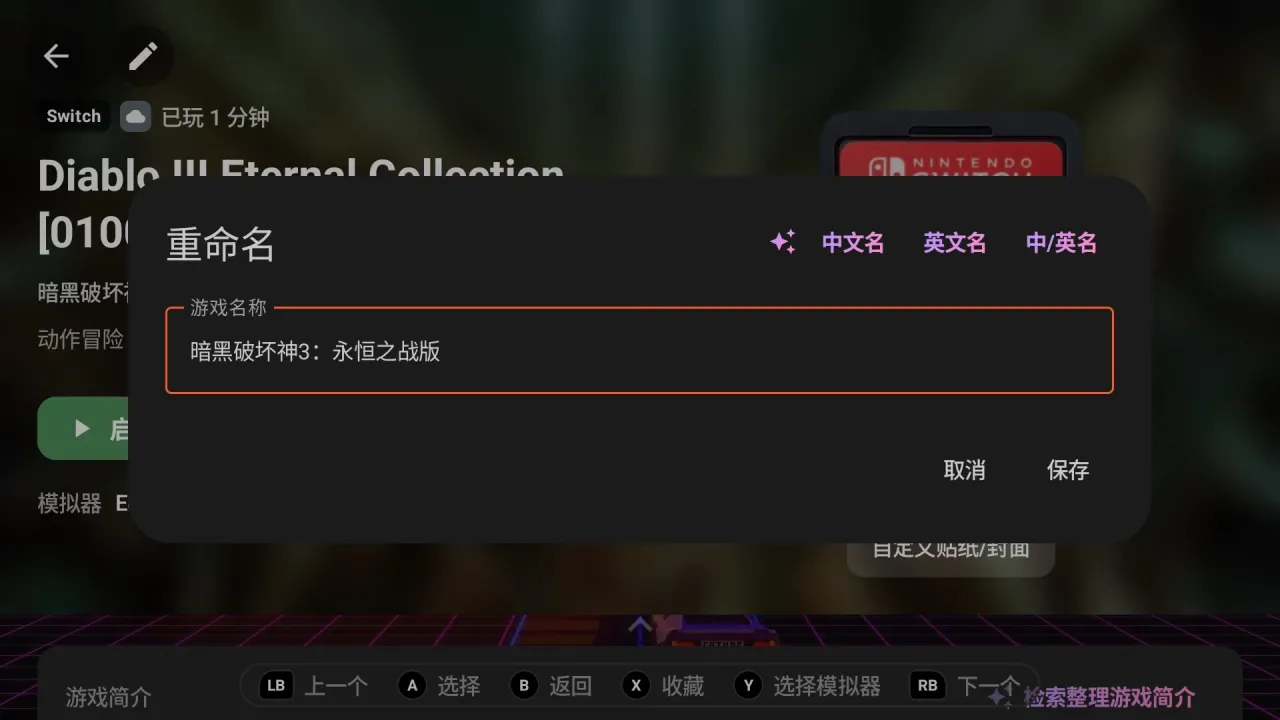
For the author's supporters: AI game stories (history, gameplay, fun facts), one-tap cheat translation and lookup, image search, AI Chinese / English names and edition tags.
The same Tea, in the Steam Deck's Game Mode: it reads your EmuDeck / ES-DE ROMs and emulators, installs with one command and adds itself to Steam.
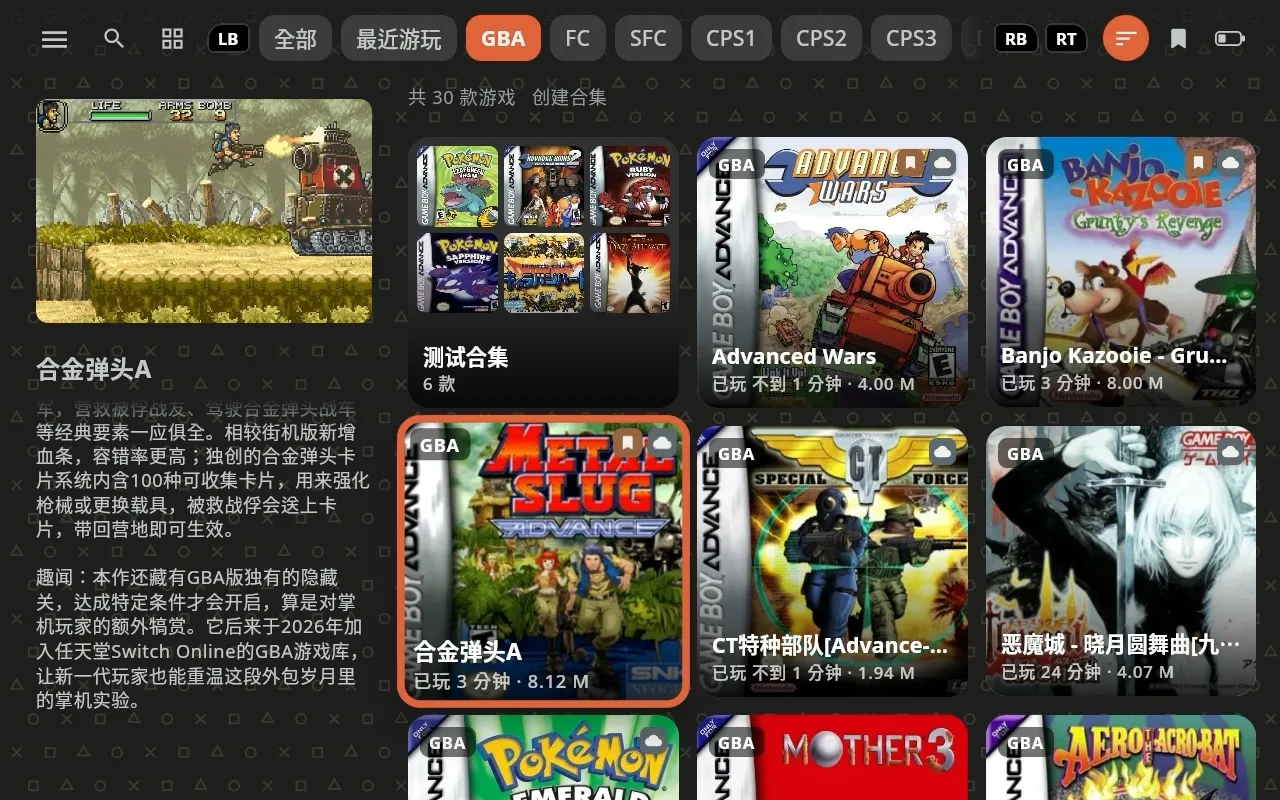
Free Coffee comes to the Steam Deck too: a Decky plugin, right in Game Mode's Quick Access menu.
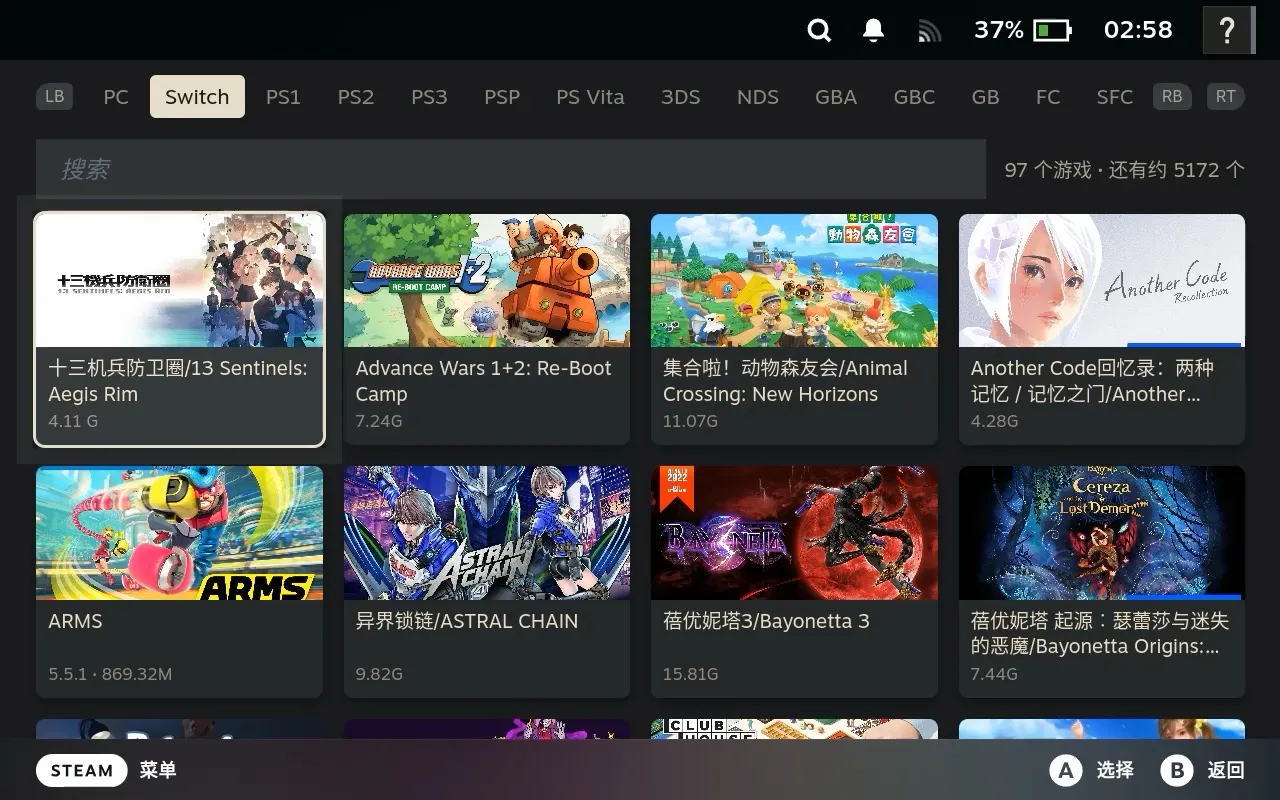
Any device on Android 10 or later: gaming handhelds (AYANEO, Retroid, AYN, Konkr and more), phones, tablets, and the Steam Deck. Dual-screen support is on the way.
Coffee is the free edition; Tea is the Premium Clean Fans edition for supporters: no share links in the app, plus sync, in-app updates and AI features. How to get it →
| Feature | Coffee (free) | Tea (Premium Clean Fans) |
|---|---|---|
| Play records and saves synced across devices | — | ✓ |
| Cloud drive game downloads | Free community picks | Games on your own drive |
| One-tap in-app updates (notes in Chinese and English) | — | ✓ |
| How often it updates | About weekly | Daily |
| AI: game stories, translation, cheat lookup, image search, renaming | — | ✓ (while your support is active) |
| Clean: no share links or codes in the app | — | ✓ |
| Switchable home-screen icon (3 mugs) | — | ✓ |
| Daily artwork scraping limit (ScreenScraper's own quota still applies) | 1,000 a day | No limit in the app |
| Both installed side by side, sharing settings, bookmarks and art | ✓ | ✓ |
| Everything else | ✓ | ✓ |